10 Tips for Choosing the Best Virtual Reality Devices
Choosing among Virtual Reality Devices is not just a contest of resolution numbers. The best choice depends on what you want to do, how long you can wear a headset, and what equipment you already own. A device that feels impressive in a store may pinch after twenty minutes at home. Fit matters. So does setup.
VR researcher Mel Slater described “place illusion” as “the strong illusion of being in a place, despite the sure knowledge that you are not there,” in a 2009 research paper. That idea helps explain why comfort, tracking, and a stable image matter alongside technical specifications. Still, immersion is personal. A bright display cannot fix a slipping strap, and excellent tracking may not matter if you only watch short videos.
This guide’s ten tips will help you compare standalone and PC-connected headsets, display clarity, field of view, controllers, battery life, software libraries, and support. Check the headset’s weight and adjustability, not just its advertised features. If possible, try it with your glasses and move around in a space similar to your own. Small details count. Prices and available content can also change, so verify current information before buying. No checklist can promise a perfect fit; even careful comparisons leave room for preference. The goal is a device that suits your routine, budget, and comfort—not the one with the loudest claims.
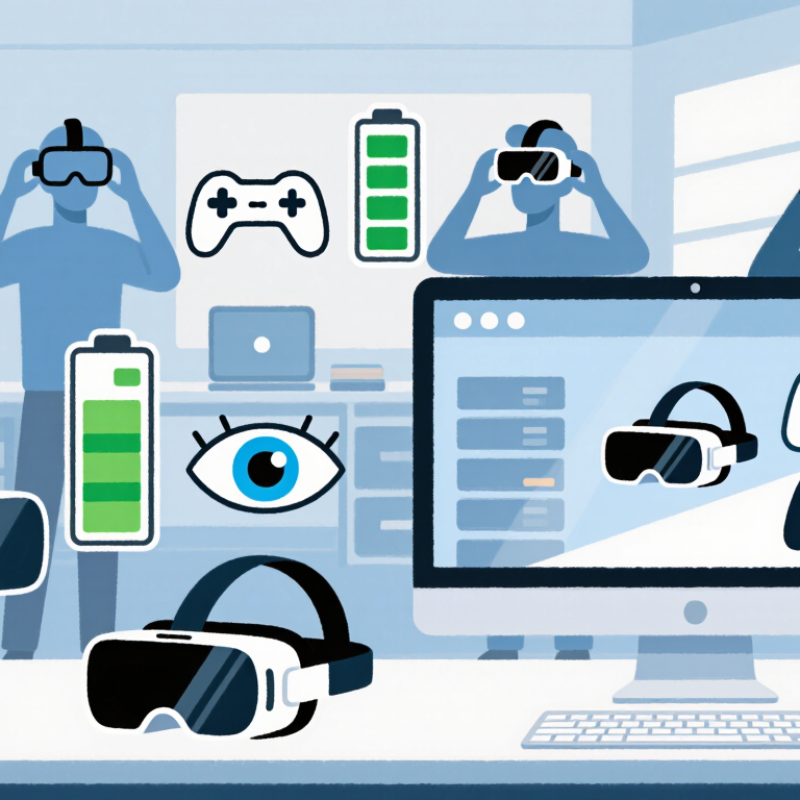
Define Your Intended Uses and Virtual Reality Experience Goals
Before comparing virtual reality devices, name the experience you actually want. Are you practicing room-scale movement, watching immersive films, learning a skill, or playing seated games? Each goal changes what matters. For a fitness session, comfort, tracking stability, and a clear play area may matter more than maximum visual detail. For reading virtual screens, text clarity and adjustment range deserve closer attention. Note the room, session length, and whether anyone else will share the device. Small details count.
Then describe your ideal session in plain terms. Do you need untethered movement, hand controls, precise input, or a simple setup after work? Be honest about your tolerance for menus, charging, and occasional calibration; these can interrupt an otherwise appealing experience. Try not to shop for every possible use. A device chosen for everything can fit nothing particularly well. If possible, test a demo and notice pressure on your forehead, lens fit with glasses, and whether nearby text stays readable. Your first impression may be wrong, though; short demos rarely reveal comfort after an hour. That uncertainty is worth recording, not ignoring. List two must-haves and one compromise before comparing specifications.
Compare Headset Types, Platforms, and Device Compatibility
A standalone headset keeps setup simple: charge it, adjust the straps, and begin without a computer. A PC-connected model can support more demanding experiences, but your computer needs enough processing power and the right connection ports. Console-focused headsets depend on a compatible console generation. Check that requirement before comparing prices. Small print matters.
Platforms shape what you can actually use. Confirm that your preferred apps, games, and social tools run on the headset’s operating system, not just on a device in the same category. Then check controller support, tracking methods, and whether room-scale use needs clear floor space. A desk lamp or reflective window can sometimes interfere with tracking. Compatibility is not only about plugging in.
Fit is another practical test. If you wear glasses, look for enough space around the lenses and a comfortable facial interface. Check whether prescription lens inserts are supported, too. Compare the headset’s weight and adjustment range, especially if you expect longer sessions. It is easy to focus on screen resolution and overlook comfort; that is a mistake worth reconsidering. Before buying, verify current software requirements and return terms, since updates can change what a device supports.
Choosing a VR Headset: External Device Requirements
Standalone headsets have built-in processing and do not require a separate host device. PC-tethered and console-tethered headsets need a compatible computer or console, while phone-based viewers need a compatible smartphone. Check each headset’s specific platform and device requirements before buying.
Evaluate Comfort, Setup Requirements, and Available Content
Comfort is more than a soft face pad. A headset that feels fine for five minutes may press on your cheeks after half an hour. Check its weight, strap adjustment, and whether glasses fit comfortably beneath it. If possible, try it on before buying. A small pressure point can become distracting during a long session. Fit varies from person to person, so online reviews cannot settle every question.
Tip: Test the fit for at least ten minutes. Move your head gently, then check for slipping, pinching, or blurry vision. Also consider setup. Some devices need a clear play area, a nearby computer, or extra sensors. Measure the space and check the connection requirements before committing. A tidy room helps, but cables can still catch your attention.
Available content should shape your choice. Browse the device’s library and look for the experiences you actually want, such as fitness sessions, creative tools, or story-driven games. Check whether those titles run directly on the headset or require another device. Content libraries change, and popularity does not guarantee personal enjoyment. I once underestimated how quickly repeated demos could feel stale; that may not happen to everyone. Choose a device whose comfort, setup, and current selection suit your habits, not just its impressive specifications.
Compare Costs, Support Policies, and Long-Term Device Value
A low purchase price can be misleading when a virtual reality device needs extra controllers, a charging stand, or prescription lens inserts. Compare the complete setup, not just the headset listed on the box. Then estimate how often you expect to use it. A device used weekly may justify a higher upfront cost; one used twice a year probably does not. That difference matters.
Read the support policy before buying. Check the warranty length, what it excludes, and whether replacement parts are available. A cracked facial interface or failing controller can change the real cost of ownership. Also look for clear instructions on software updates and data transfer. Small details, but useful ones. Support promises mean little if getting help requires repeated forms and long waits.
Long-term value depends on comfort and continued usefulness, not only processing power. Try the fit if possible, and wear the headset for at least fifteen minutes. Pressure on the forehead can feel minor in a shop and annoying at home. I would also check whether the device works with the experiences you actually want, rather than assuming every popular feature matters. It is easy to overvalue a technical specification; I still catch myself doing that. Keep a modest budget for worn straps, cables, or battery changes, since those costs are rarely exciting but can arrive sooner than expected.